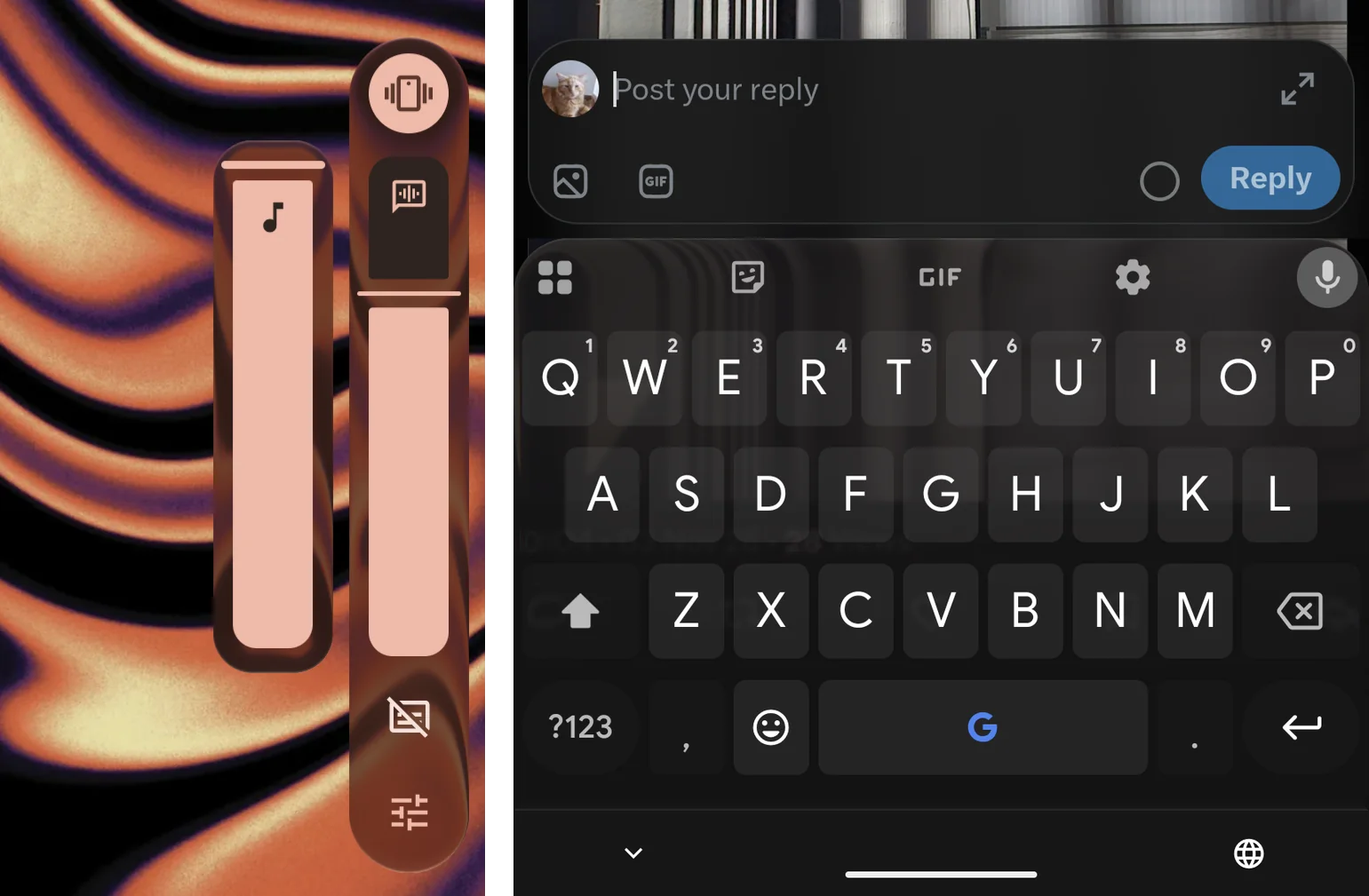
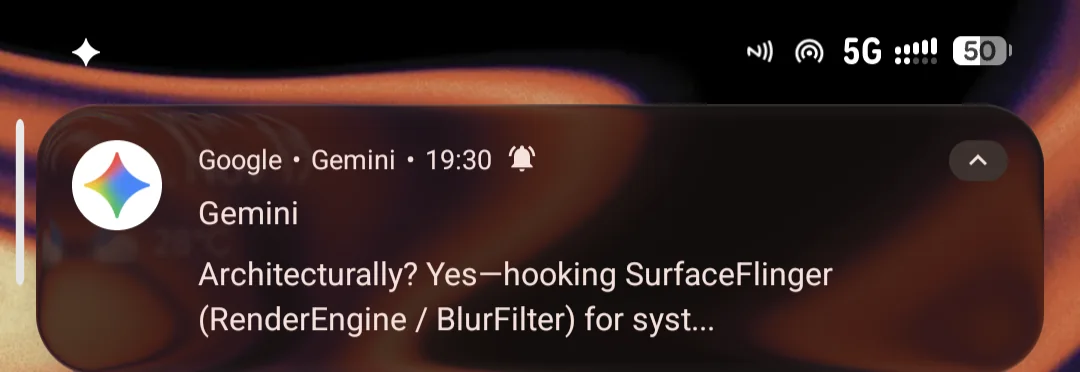
expo-liquid-glass-ui puts Liquid Glass inside React Native apps. This project puts it inside Android. A root module hooks the function SurfaceFlinger uses to draw blur. Wherever the system already blurs something, it draws glass instead. Notification cards, the volume panel and blurred dialogs become glass, without patching any app or theme. Switch it off and Android's blur comes back, pixel for pixel.
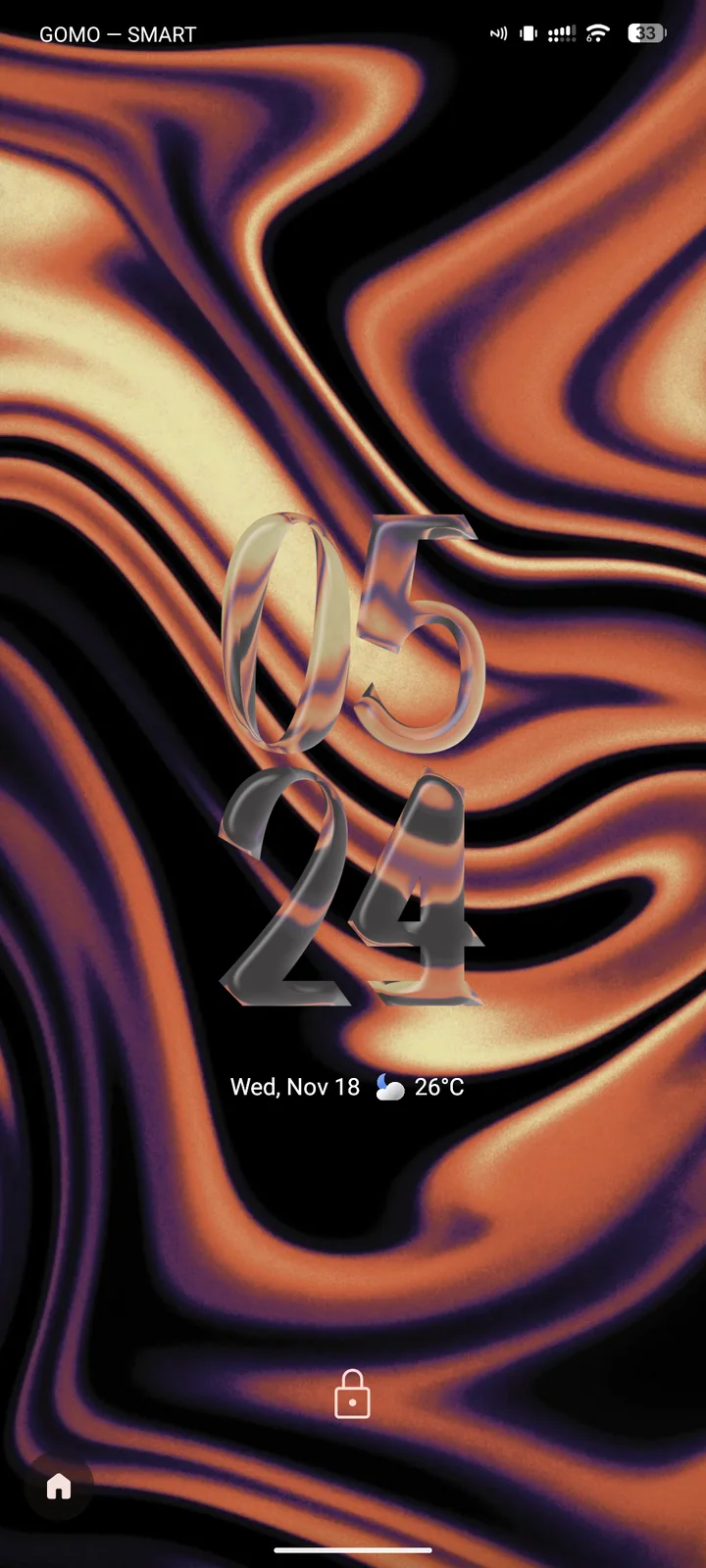
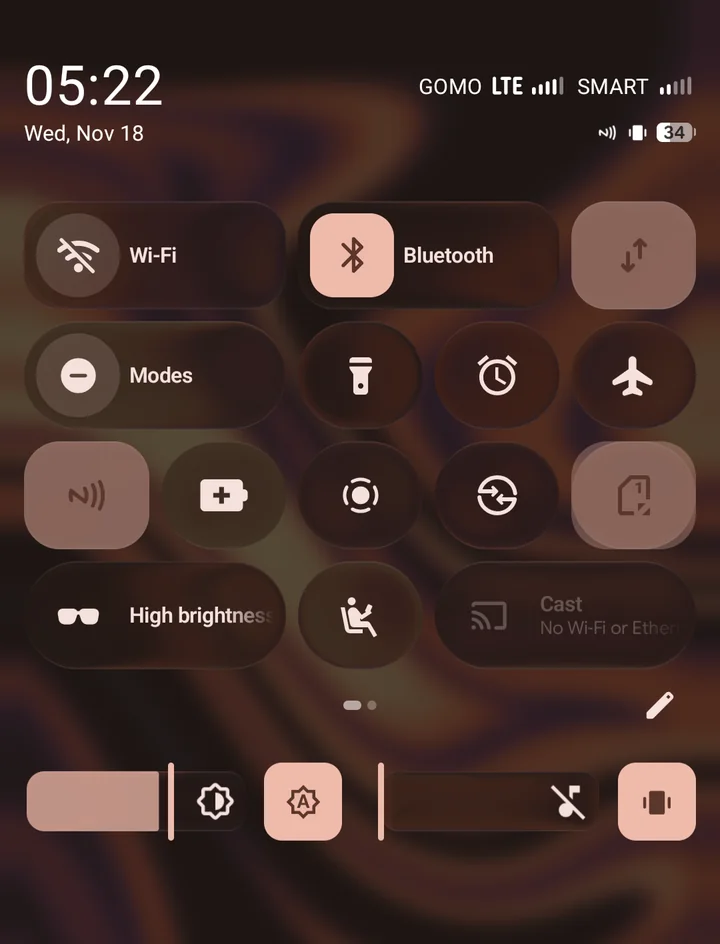
An LSPosed companion covers the places Android never blurred: Quick Settings tiles, the launcher's icons, folders and widgets, and the lockscreen clock.
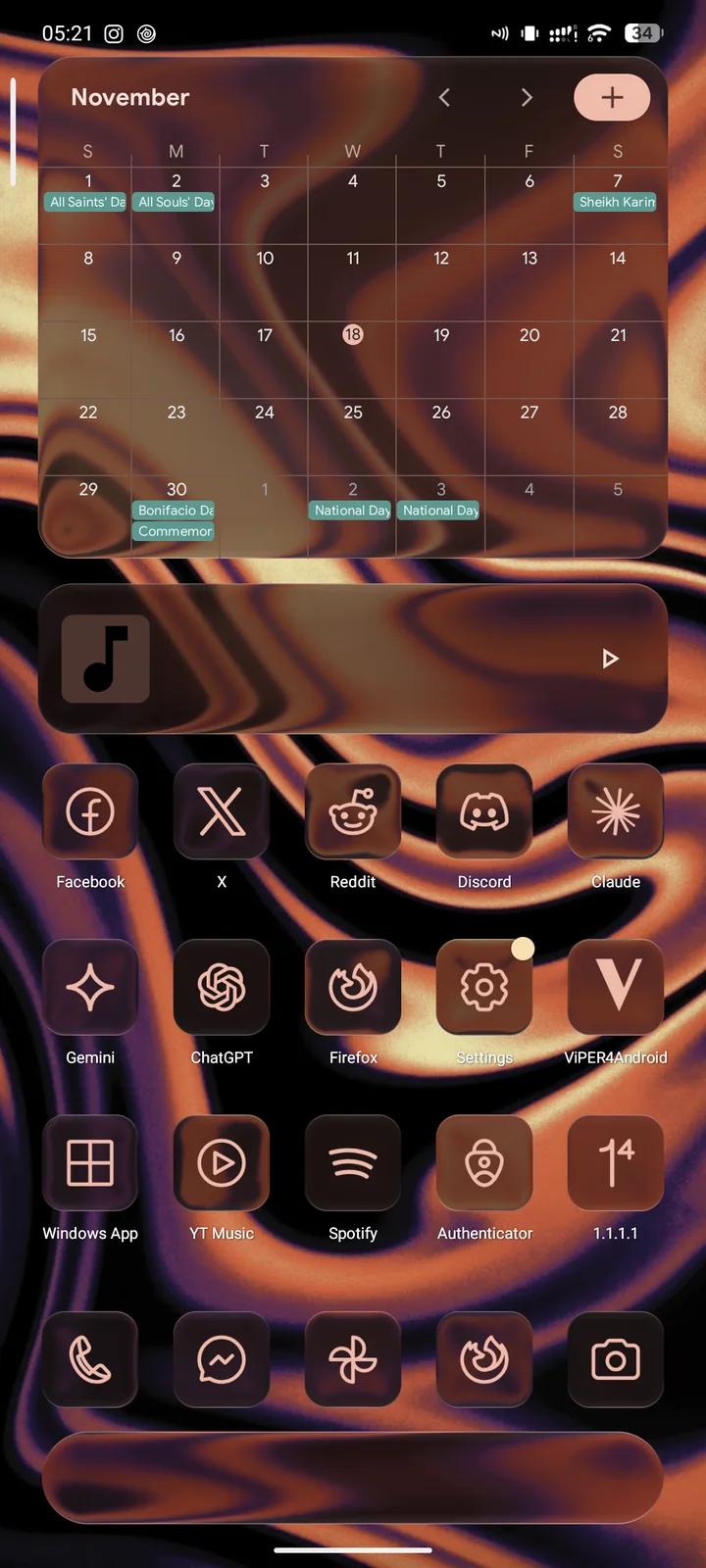
One function in the compositor
Android draws every blur in one place. When SystemUI or an app asks for a background blur, SurfaceFlinger draws it with BlurFilter::drawBlurRegion. That function receives the region's shape and two images, the sharp backdrop and its blurred copy. Glass needs nothing more.
So the module hooks that one function. In glass mode, the engine draws refraction, chromatic dispersion at the rim and a lit edge from those same two images. It draws them with SurfaceFlinger's own copy of Skia. The shader maths is the same as in expo-liquid-glass-ui. I tuned it there against real iOS 26 glass, and it started from Kyant's AndroidLiquidGlass.
Any app that asks for blur gets glass too. My patched Gboard asks for blur behind its keys, so the keyboard turned into glass without a hook of its own.
The full-screen blur behind the notification shade has its own setting. It can keep Android's blur, get a lighter, veiled version of it, or turn into glass as well.
Finding Skia in a stripped binary
There's no SDK for SurfaceFlinger's insides. Its Skia is compiled into the ROM, and the ROM strips the symbols. Android does keep MiniDebugInfo, a small xz-compressed symbol table inside each binary that crash reports use. Android doesn't ship xz, so the engine unpacks it with XZ Embedded and looks up the Skia functions it needs by name. Frida Gum installs the hook.
All of that depends on the ROM, so the installer checks first. A small tool reads the ROM's SurfaceFlinger and refuses to install if anything the engine needs is missing. The module guards the boot too. If a boot fails with it installed, it disables itself on the next boot. If SurfaceFlinger restarts while glass is on, glass switches itself off.
Glass where Android never blurred
Quick Settings tiles and launcher icons have no blur region, so the engine never sees them. The companion is an LSPosed module. It gives each of those surfaces a BackgroundBlurDrawable from its window, the same object SystemUI uses for notification cards. It also turns down the surface's own fill so the glass shows through.
On Android 17, Quick Settings is all Compose, so there are no tile views to hook. The companion hooks the composable that draws each tile instead.
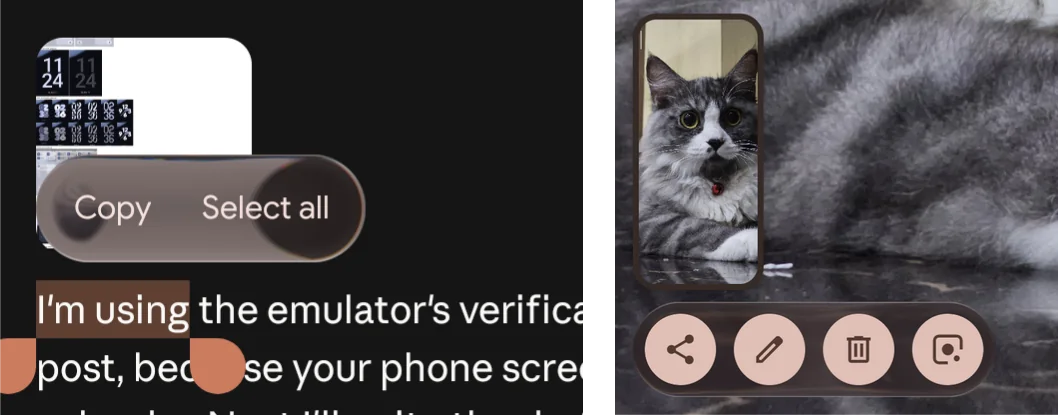
Folders, widgets, the search box, heads-up notifications, sliders, the text selection toolbar and the screenshot UI each needed a hook of their own.
The lockscreen clock
A clock is text, not a window, so there's nothing to blur. The companion draws this glass itself, inside SystemUI. It builds a distance field from the digits' shapes, captures what's behind them, and runs an AGSL shader over the result.
crDroid also ships Pixel's clock faces as plugins, and each one loads in its own class loader. The companion catches each face as SystemUI hands it over, so every digital face gets the same glass. The clock at the top of this post is Calligraphy.
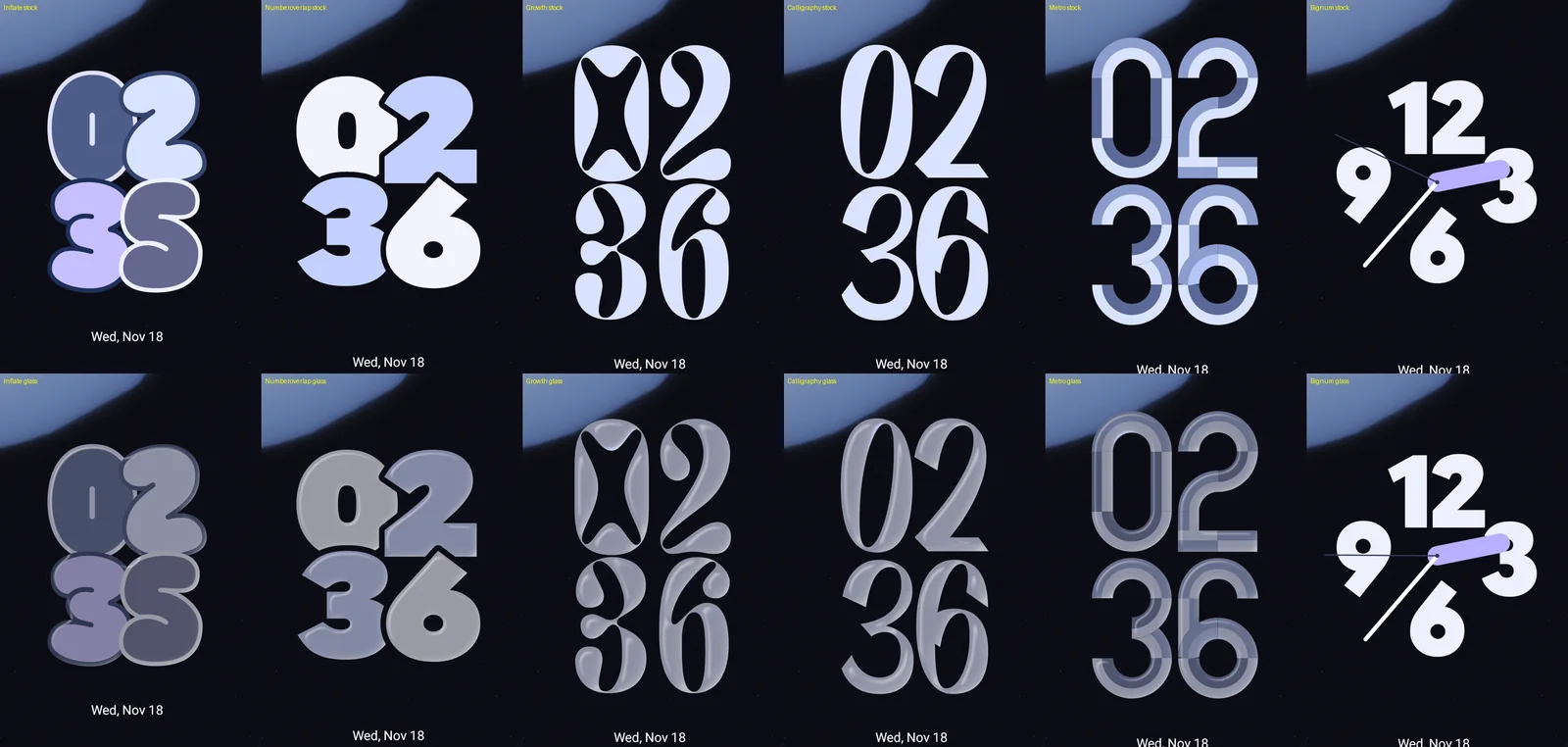
Inflate was my face until I saw it as glass. Its digits overlap, and fully clear glass melted them into one grey blob. So by default each digit keeps half its own colour under the glass. On Inflate that looks more like plastic than glass, so I switched to Calligraphy.
Bugs the emulator couldn't show
I built most of this on Android 16 and 17 emulators. They run x86-64, and that hid bugs only an arm64 phone shows.
The first glass frame on my phone crash-looped SurfaceFlinger. On arm64, a function that returns an object by value receives the address for it in register x8. In this ROM's build, Skia's MakeForShader expected that address in x0 instead. On x86-64 both conventions use the same register, so the emulator never noticed. The engine now reads the first instructions of each such function before calling it.
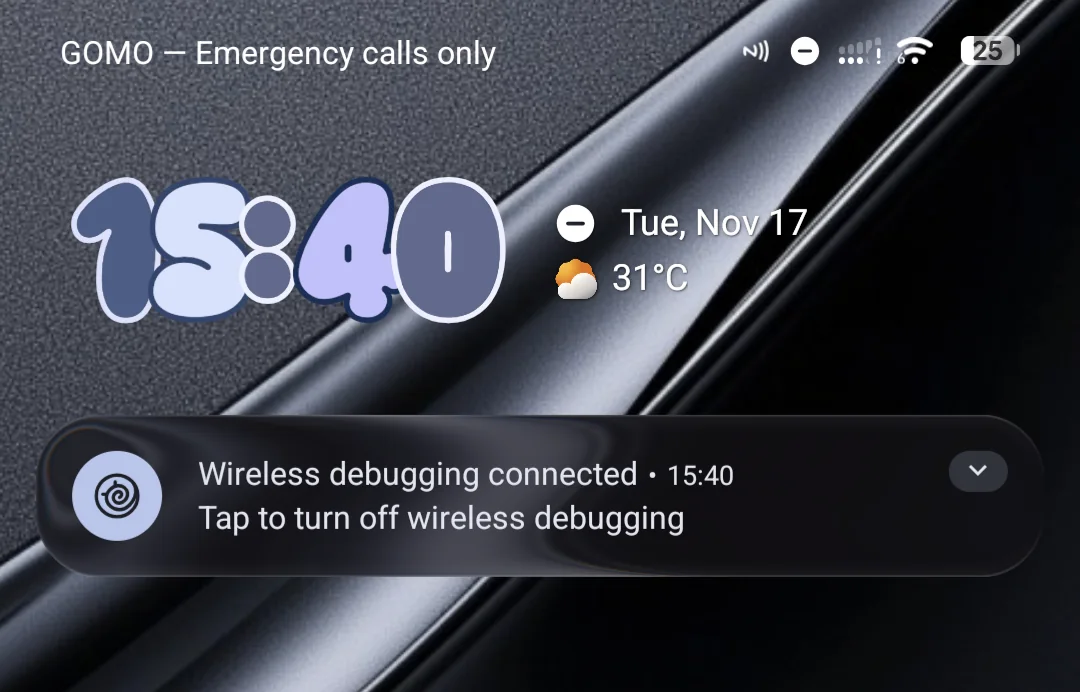
Updating the module crashed SurfaceFlinger once:
- KernelSU 3's meta-overlayfs copies a module's files into the folder the live
/systemoverlay reads from, andcprewrites an existing file in place. - SurfaceFlinger had the engine library mapped. Truncating a mapped file throws away every process's private pages of it, including the pages where the dynamic linker had written relocations.
- The next call through the PLT jumped to an address that was never relocated.
Now the installer swaps each running file for a new copy by rename, before the metamodule copies anything. The old file stays mapped and intact until the reboot. I've updated my phone twice since then, and both times the same SurfaceFlinger process kept running.
Where it stands
It's experimental and needs root. It targets Android 14 to 17 with KernelSU, Magisk or APatch, and KernelSU 3 also needs a metamodule such as meta-overlayfs. I run it on a Poco F3 with crDroid 13.1, which is Android 17.
To try it, flash the v0.4.14 module zip in your root manager and reboot. Glass stays off until you turn it on with the module's Action button, its WebUI or glassctl. After that first reboot, switching is live.
For Quick Settings, the launcher and the clock, install the companion APK and enable it in LSPosed, with System UI and your launcher in its scope. Then reboot once more. The README lists both checksums.
My fourth home screen page is a stress test, with a large widget, a 4x1 widget and 15 icons, all glass. Last night it caught a bug. Seventeen pieces of that page's glass stayed on screen at 80% of their size, over whichever page I was on, until I swiped back to page four. Fixing that and some performance work come next. Glass is limited by fill rate, and the numbers from expo-liquid-glass-ui show how fast jank grows once glass covers half the screen.